TRAShBENCH
Garage Experiments.
Real Results.
Build the mods yourself.
Featured Products
DIGITAL DOWNLOAD — STL FILES ONLY.
No physical item shipped.
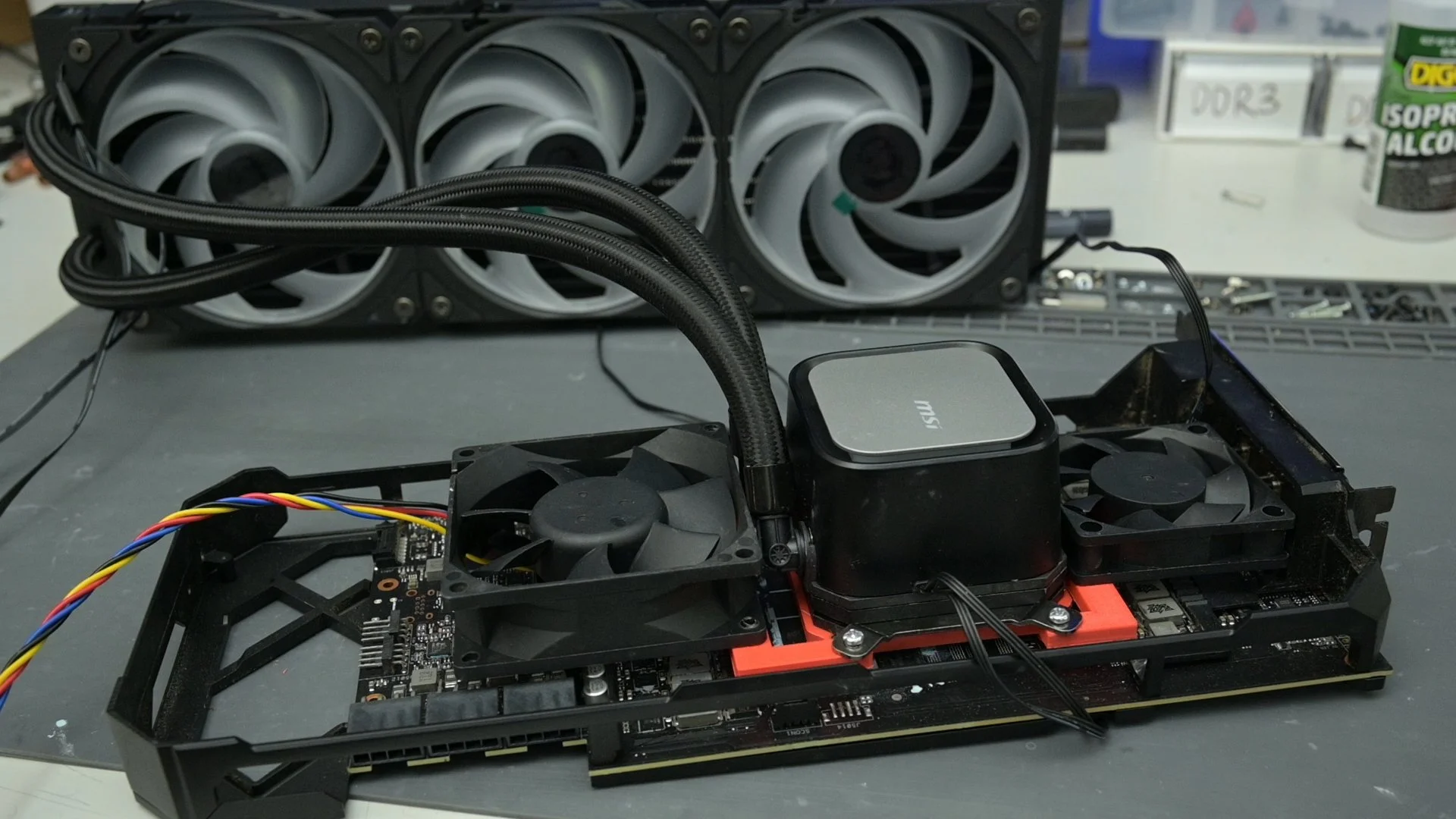
These STL files let you 3D print an AIO mounting bracket for the ASUS RTX 3080 Strix, designed specifically to mount the MSI CoreLiquid A13 cooler.
This is not a universal AIO mount.
What you get:
STL file(s) for the RTX 3080 ASUS Strix MSI CoreLiquid A13 Mount
60 mm fan bracket
90 mm fan bracket
You will still need:
MSI CoreLiquid A13 AIO cooler
60 mm and 90 mm fan
Your own nuts, bolts and mounting hardware
Thermal paste + tools
A 3D printer and a willingness to void warranties emotionally
Threaded heat set inserts
Print notes:
Recommended materials: PETG / ABS / Nylon(PLA is okay for test fitting but can soften with heat).
Print and test-fit before running the card.
Important:
This mount is only guaranteed to fit the ASUS RTX 3080 Strix with the MSI CoreLiquid A13 cooler.
Compatibility with any other GPU or cooler is not guaranteed.
Measure twice, print once.
Ditch the zip ties.
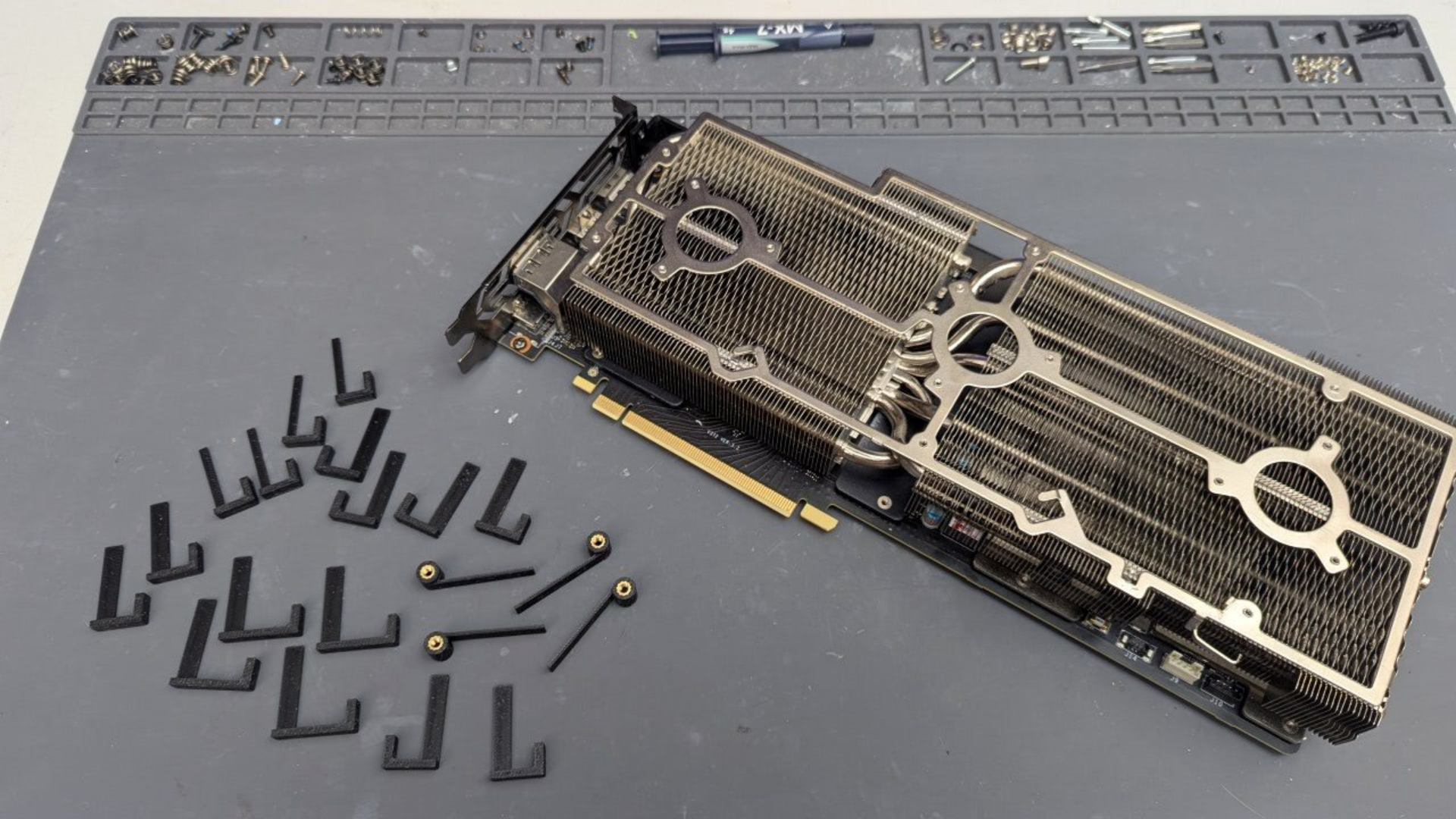
The TrashBench Universal GPU Deshroud Fan Clip Kit lets you mount standard PC fans directly to your GPU heatsink after removing the factory fan shroud.
Whether you're replacing dead or noisy GPU fans, chasing better cooling, or just want to strap much bigger fans to your graphics card, these clips give you a clean, reusable way to do it.
Each kit includes a selection of slip-in and bolt-on clips, allowing different mounting methods to be mixed and matched depending on your GPU heatsink and which fan mounting holes are accessible.
Choose your kit:
2-Fan Kit — hardware for mounting up to 2 fans
3-Fan Kit — hardware for mounting up to 3 fans
Both kits are available in 1.3 mm or 1.5 mm clip sizes.
Which clip size do I need?
There's no need to get the calipers out. Grab two standard credit cards and gently try to slide them together into the heatsink fins where you intend to mount the clips.
Two cards fit → choose 1.5 mm
Two cards don't fit → choose 1.3 mm
If you're unsure, choose 1.5 mm.
What's included
Your kit includes:
Slip-in clips
Bolt-on clips
Fan mounting hardware
Enough clips and hardware for your selected 2-fan or 3-fan kit
Illustrated installation instructions
Compatibility
Designed for standard 120 mm PC fans with conventional corner mounting holes.
GPU heatsinks vary significantly between models, so fit will vary. Clips may require some force to insert and may feel somewhat loose or very snug depending on the heatsink. Different clip types can be used at different mounting points to get the best fit.
Please check the credit-card sizing guide before ordering.
Not sure how GPU deshrouding works? Read the GPU Deshroud Guide.
Installation Instructions
DIGITAL DOWNLOAD — STL FILES ONLY.
No physical item shipped.
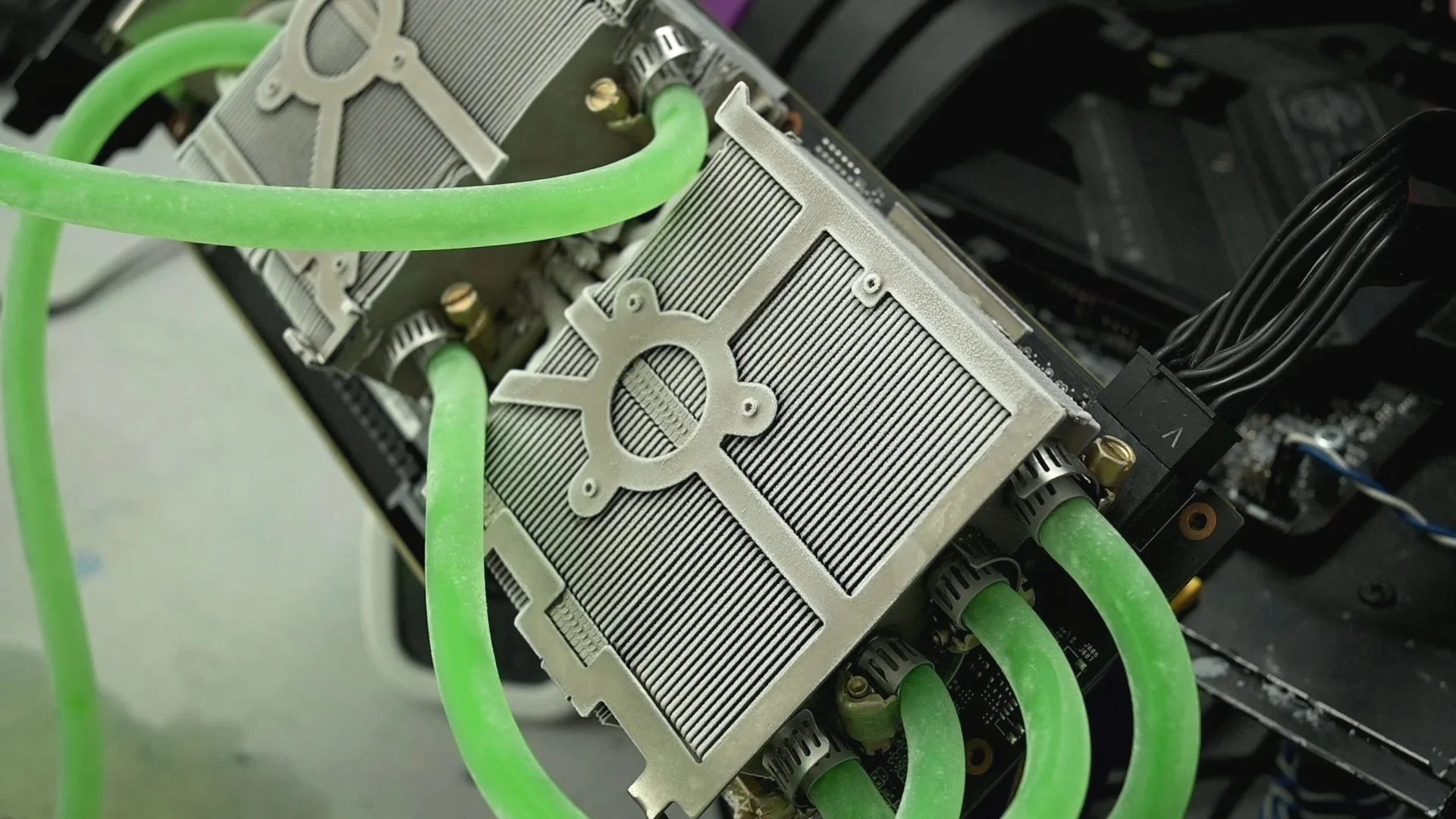
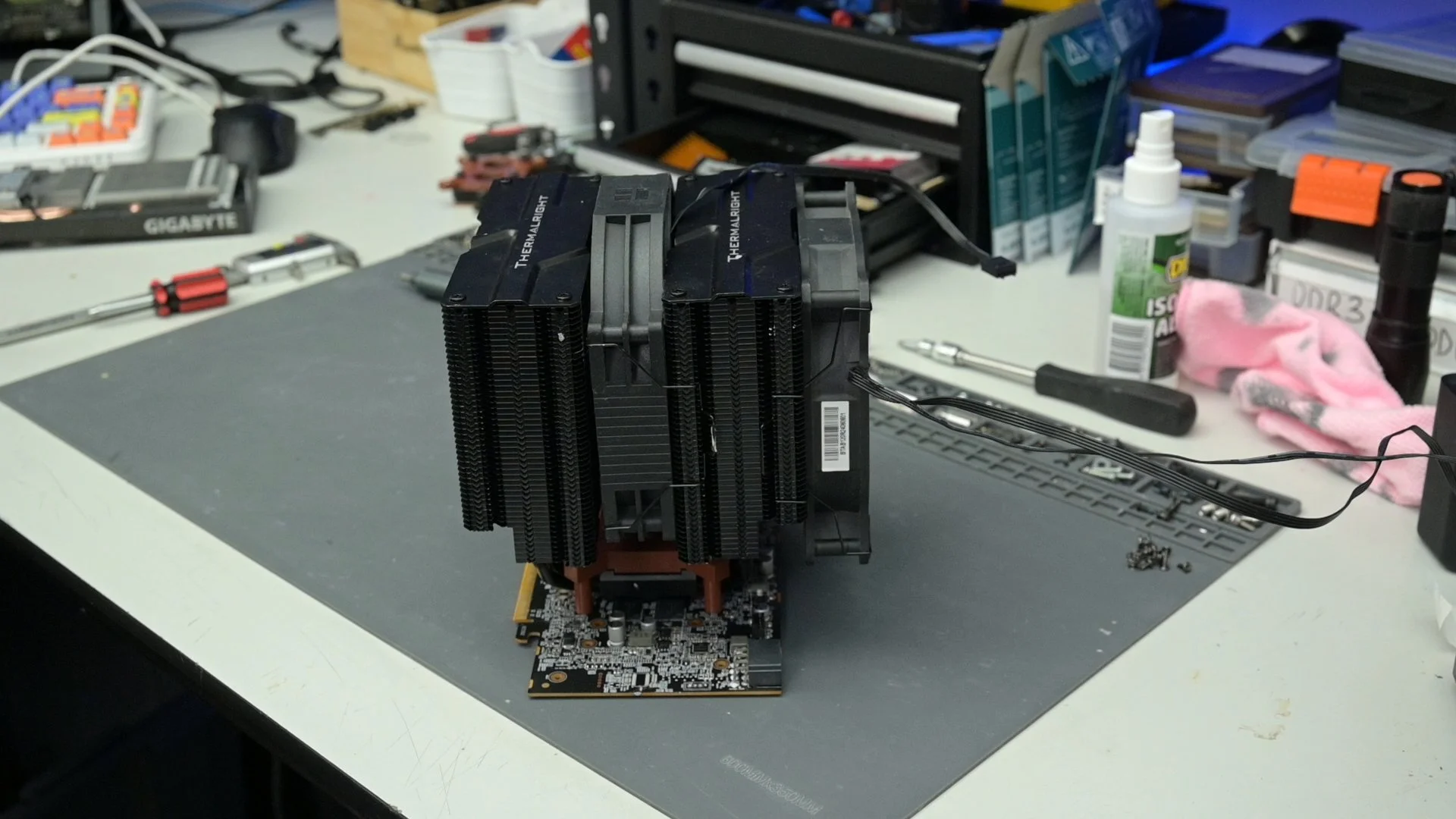
These STL files let you 3D print a mount that bolts a Thermalright-style CPU tower cooler onto an RX 6600. It's designed around the Thermalright mounting style that uses a metal plate with a single center nut/screw, and a cooler base with the machined channel (the same style used on the Peerless Assassin).
Compatible cooler style (must match):
Thermalright tower coolers using the center-nut mounting plate (Peerless Assassin style)
Base with the central channel / groove (as shown in the listing photos)
What you get:
STL file(s) for the RX 6600 CPU Tower Mount
You will still need:
A compatible Thermalright CPU tower cooler
Hardware (nuts/bolts/washers) to assemble it
Thermal paste + tools
A 3D printer and a willingness to void warranties emotionally
Print notes:
Recommended materials: PETG / ABS / Nylon (PLA is okay for test fitting but can soften with heat).
Print and test-fit before running the card.
Important:
RX 6600 PCBs vary by brand and model. This STL is only guaranteed for the Gigabyte RX 6600 Eagle used during development. Check your mounting hole spacing before printing. If your card doesn't match, the mount won't fit.
TRASHBENCH MERCH


Make PC Hardware Fun Again
Fed up with the state of the PC industry, I decided to do something about it. Who said you need deep pockets to play with PC hardware? TrashBench is about pushing old and cheap gear to the limit with nothing but cable ties, plastic mounts… and maybe a freezer. Have fun.